
If you're looking at your Retirement savings and feeling a knot in your stomach, you're not alone. So many women feel like they're behind, not because they failed, but because life happened. Raising a family, helping parents, managing Health, divorce, grief, career shifts. It adds up.
Then someone says, “Just use apps for passive income,” and it can sound like one more confusing tech promise. You may wonder if it's legitimate, if you're too late, or if this is just another online gimmick dressed up in cheerful language. I understand that caution. There are scams online, and being careful is wise.
The good news is that passive income apps don't have to be dramatic to be useful. In most cases, they're better viewed as small helpers than major income streams. One 2026 review says many users should expect about $20 to $100 per month overall from passive-income apps, with the best results often coming from stacking a few rather than hoping one app changes everything.
That may not sound exciting, but it can still matter. A little extra for groceries, prescriptions, gas, or a bill can create breathing room. If you'd like to discover passive income opportunities, this guide will walk you through beginner-friendly options with a calm reality check for each one.
1. Honeygain
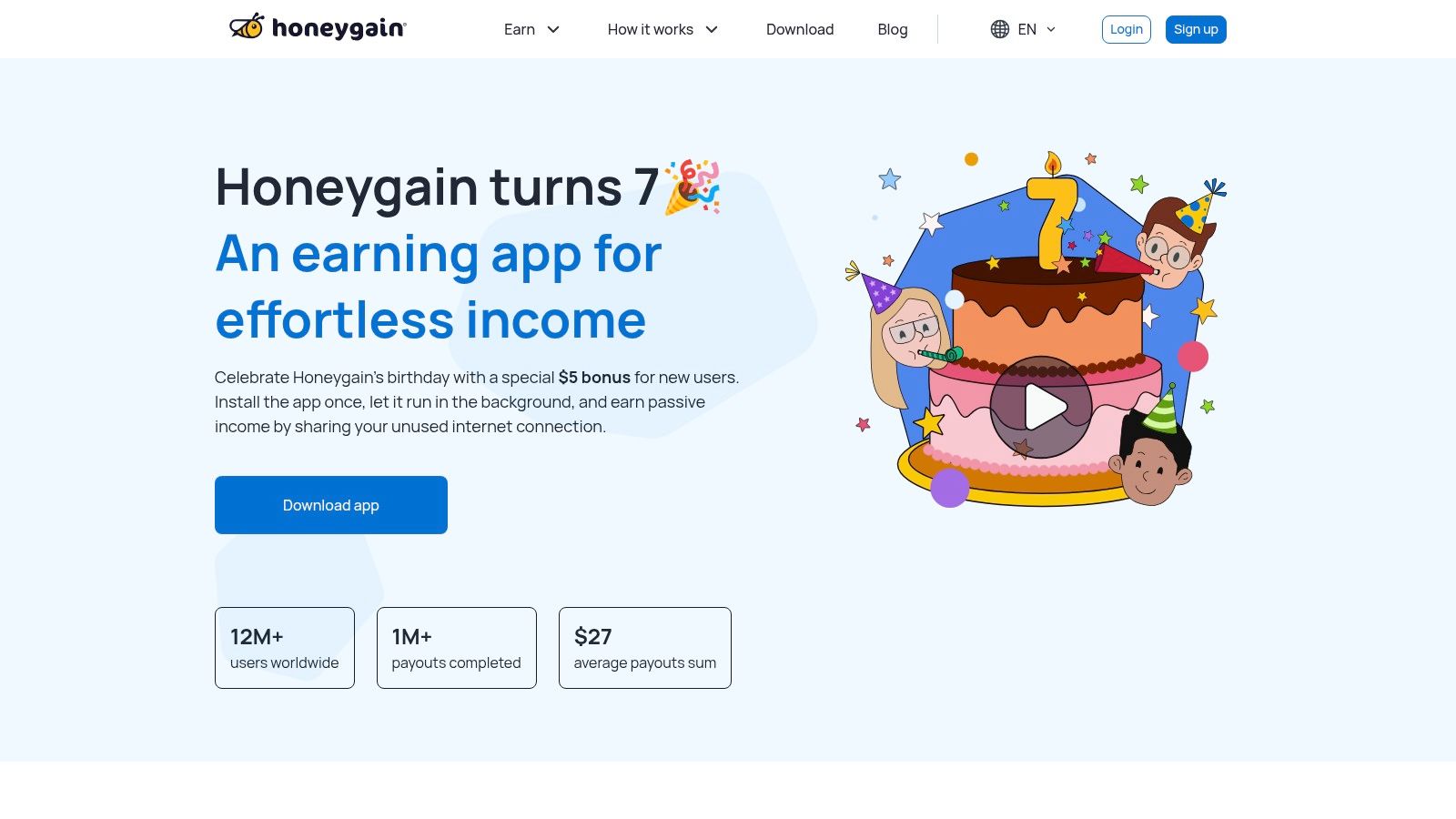
You install Honeygain, sign in, and let it run in the background. For beginners over 50, that simplicity is often the main appeal. There are no daily tasks to chase and no constant checking for offers. You can review the setup, supported devices, and payout options on Honeygain's website.
Honeygain falls into the set-and-forget category in this guide. That means low effort after setup, but it also means you need to be comfortable with what the app is using in exchange. In this case, it shares part of your internet connection through a residential proxy network.
If that phrase feels technical, here is the plain-English version. Your connection is being used as part of a larger network that routes web traffic. A simple way to picture it is renting out a tiny slice of unused space in your home, except the "space" is your internet connection instead of a spare room. Some readers are fine with that. Others decide it is not a match for their privacy comfort level.
Why some beginners try it first
Honeygain works on Android, Windows, macOS, and Linux, and you can connect more than one device to the same account. That lowers the learning curve for someone who wants one app to test on a laptop or phone without much fuss.
It also helps to name the emotional part. If you read about proxy networks and feel hesitant, that does not mean you are bad with technology. It means you are being careful, which is a strength.
- Risk and effort level: Low-effort background app
- Best fit: Someone who wants a hands-off option and is comfortable reading the privacy details first
- Main tradeoff: You are sharing bandwidth, so privacy and trust matter more than with a simple rewards app
- Earning role: Small extra cash, not a core income source
Practical rule: Before installing any passive app, ask one question first. What exactly am I giving in return for the money?
Honeygain makes more sense when you treat it as one small piece of a larger plan. If you want the bigger picture, this guide on how to create passive income can help you see where low-effort apps fit and where they do not.
Reality check
Expect modest earnings. Honeygain belongs in the category of apps that may help with little extras, like part of a grocery trip or a streaming bill, rather than anything close to a paycheck. That may sound underwhelming, but realistic expectations protect you from disappointment, and that matters just as much as the app itself.
2. EarnApp
EarnApp is another background app in the bandwidth-sharing group, but it has a slightly different feel. It's backed by Bright Data and is designed for users who want passive earning from idle internet connections, including always-on devices. You can review the details on EarnApp's website.
What some beginners like here is the straightforward setup language and the option for auto-redeem once the minimum threshold is met. It also supports Linux and low-power devices, which may matter if you keep a machine running at home.
What makes it different
EarnApp has documented its earning structure and support materials clearly. That doesn't remove the need for caution, but it does make the app easier to evaluate before you install anything.
The tradeoff is similar to Honeygain. You need to feel comfortable with participating in a proxy or data-collection network. If that phrase alone makes you uneasy, listen to that feeling and read the disclosures carefully.
- Passive style: Runs in the background after setup
- Useful extra: Auto-redeem can reduce the need to monitor payouts
- Important caution: Earnings vary by region, demand, and connection quality
I like to tell beginners this. If you have to force yourself to “be okay” with an app's permissions, it probably isn't your app.
Reality check
Bandwidth apps can sound more magical than they are. In practice, they're usually part of the low-dollar end of passive income apps. They may suit you if your goal is modest supplemental income and you value simplicity more than growth.
3. Pawns.app
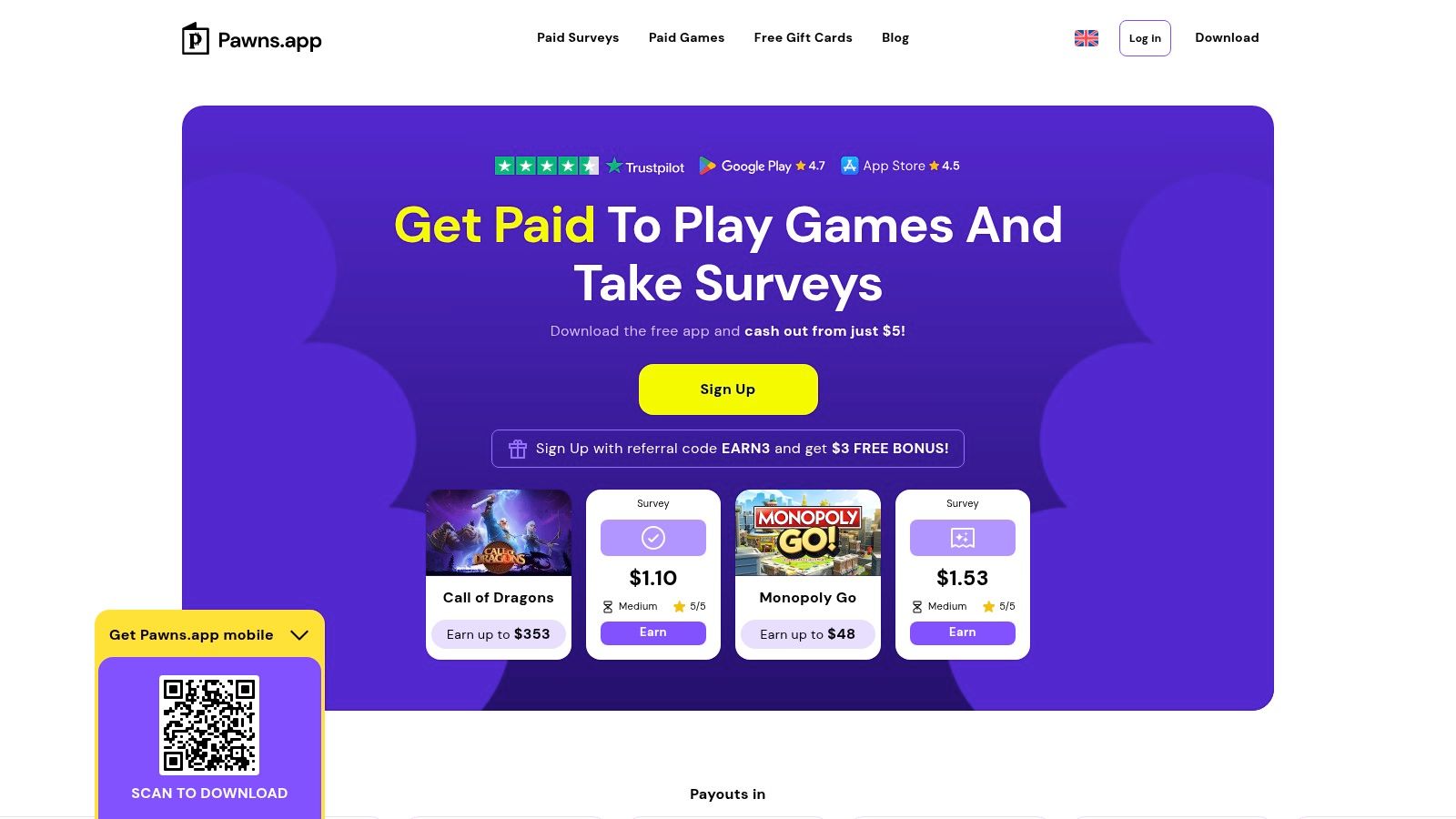
Pawns.app fits best in the low-effort category, not the set-and-forget category. It can earn in the background through bandwidth sharing, but it also includes optional surveys and simple tasks for people who want a little more control over how quickly they reach a payout.
That mix can feel easier for a beginner. If waiting on background earnings feels like watching a slow-dripping faucet, the task option gives you a way to add a little more to the bucket now and then.
Best for people who want a passive app with a backup option
The main question here is not just "Can it run in the background?" It is "How passive do you want this to be?" If you install it for bandwidth sharing only, it stays fairly hands-off after setup. If you start doing surveys or games, it becomes more like side-hustle income than passive income.
That distinction matters, especially if you are trying to keep things simple. Many women over 50 tell me they do better with clear categories. Pawns.app is easier to evaluate when you treat it as a hybrid app. Part passive. Part optional extra effort.
A practical detail that may feel encouraging at the start is the low cash-out threshold. Small early payouts can make an app feel less abstract and more real.
Small wins matter. Seeing your first payout can build confidence and help you decide whether an app deserves a place on your phone or computer.
- Risk and effort level: Low effort if you use background sharing only. Medium effort if you add tasks
- Good fit for: Beginners who like having a choice between passive earnings and occasional top-up activities
- Worth checking carefully: Payout methods and any related fees
Reality check
Pawns.app can feel more rewarding than a pure bandwidth app because you are not relying on one earning method. But realistic expectations still matter. Background earnings are usually modest, and task-based earnings are only "passive" until you start spending time on them.
If your goal is passive income, use this one for the background feature and treat surveys or games as optional extras, not the main plan. That simple mindset helps keep hype out of the picture and makes it easier to choose apps that match your energy level.
4. PacketStream
PacketStream is another bandwidth-sharing platform, but it stands out because it publicly explains its earning model in a simple way. The service is built around a peer-to-peer residential proxy network. If you want to review it directly, start at PacketStream's website.
For a beginner, clarity matters. When an app explains what you are sharing and how payouts work, it becomes easier to make a calm decision instead of guessing.
The simple version
You install the app, share idle bandwidth, and earn based on usage. It is lightweight and designed to run in the background. Support is more limited than some people might prefer, so this may suit independent readers who are comfortable reading help pages and email replies.
- Best feature: Clear company-published earning model
- Easy part: Lightweight background setup
- Hard part: Earnings still depend on demand and can stay quite small
If you like directness, PacketStream may appeal to you. If you want hand-holding and a polished support experience, another app on this list may feel better.
Reality check
This belongs in the same “small supplemental” lane as other bandwidth tools. It may be fine as one quiet stream, but it isn't something I'd present to a woman over 50 as a Retirement plan. Think tea money, not total peace of mind.
5. Nielsen Computer & Mobile Panel
A lot of beginners over 50 feel more comfortable with a familiar research brand than with apps that sell unused bandwidth. Nielsen Computer & Mobile Panel fits that lower-effort, research-based category. It asks you to install software that tracks internet and app usage for market research, and you can read the company's explanation at the Nielsen Computer & Mobile Panel site.
That difference matters.
For many women who are just starting, this setup feels easier to understand. You are joining a panel, not trying to manage a side hustle. Once the software is installed on supported devices, the day-to-day effort is usually very light.
A simple way to view it is this. Some passive apps pay you for sharing a resource, such as bandwidth. Nielsen pays for observation. Your device use helps companies study behavior patterns, and you receive a small reward for taking part.
Best for: set-and-forget beginners who prefer familiar companies
Nielsen belongs in the "set and forget" group in this list, not the investing group. That makes it less intimidating for readers who do not want to learn charts, transfers, or account funding.
Still, passive has a trade-off. Here, the trade-off is privacy.
You are allowing ongoing measurement of device activity, so it helps to read the privacy details slowly and without rushing. If the wording feels confusing, that is a useful signal. Skip it and choose a simpler app instead.
Before joining any panel app, read the privacy section as if you were reading a medication label. If you do not understand what is being collected, pause.
Reality Check
This is a small-reward option, not meaningful monthly income. As noted earlier for this category, earnings from data-sharing panels can vary and may stay modest depending on your devices, location, and eligibility.
The upside is simplicity. The limit is earning power.
For the right person, Nielsen can be a calm first step into passive income apps because the effort stays low after setup and the company name is familiar. Just go in with clear eyes. You are earning a little extra in exchange for measured usage data, not building a Retirement plan.
6. MobileXpression
MobileXpression is another research-style app, usually tied to mobile metering. In plain English, you install the app, keep it active, and receive rewards points that can often be redeemed for gift cards. The official starting point is MobileXpression's website.
This kind of app can feel approachable if you already use your phone constantly and don't want to learn an entirely new system. It asks less of your time than task-based apps.
What to watch before you install
MobileXpression has ties to known media analytics lineage, which may reassure some users. At the same time, privacy-minded users may not like the metering or VPN-style setup that some tracking programs rely on.
That doesn't make it bad. It just means it's not neutral. Every passive income app has a “price,” even when the app itself doesn't ask for money upfront.
- Appeal: Low daily effort after setup
- Potential drawback: Redemption or account issues can be frustrating if you expect a perfectly smooth experience
- Best mindset: Treat rewards as a small perk, not guaranteed spending money
Reality check
This is one of those apps that can quietly fit into your routine if you're comfortable with the permissions. If you aren't, skip it without guilt. Financial peace of mind includes protecting your comfort level, not overriding it.
7. SavvyConnect
SavvyConnect, from SurveySavvy, blends passive metering with the possibility of occasional survey invites. It works across multiple device types, which may appeal to households with a phone, tablet, and computer. You can read the details on SavvyConnect's website.
For women over 50 who want one app that doesn't require constant clicking, this can feel manageable. Install it, keep it active, and let it do its job.
Where it fits on the effort scale
SavvyConnect is more passive than survey apps, but less invisible than doing nothing at all because you'll still need to maintain eligibility and occasionally troubleshoot. The optional survey side adds a small active-income element when invites show up.
I like this category for beginners who want flexibility. If you have energy one week, you can respond to a survey. If you don't, the metering piece can still continue in the background.
- Good match: Someone comfortable with low-effort research participation
- Nice bonus: Multi-device participation can make one account more useful
- Limitation: Survey invites aren't guaranteed
Reality check
Some months may feel better than others. That's common with low-effort apps. Keep your expectations gentle, and judge it by consistency, not by one especially good or disappointing week.
8. Mode Earn App
A lot of beginners over 50 try one rewards app, then feel confused when it asks for tapping, watching, listening, and checking in all at once. Mode Earn App sits in that middle ground. You can explore it on Mode Mobile's website.
Mode combines several earning options inside one app, such as lock-screen rewards, music listening, and other small in-app activities. For some women, that variety feels convenient. For others, it feels like a kitchen drawer filled with useful tools you still have to sort through before dinner starts.
That difference matters because this article is about genuinely passive or low-effort choices. Mode belongs in the low-effort category, not the set-and-forget category. If you want a clearer picture of the difference between active and passive income, this is a good example. Some parts run unobtrusively in the background, but some parts ask for your time and attention.
Where it fits on the effort scale
Mode works best for someone who does not mind occasional interaction and likes having several small earning methods in one place. It is less about installing once and forgetting it, and more about choosing which features feel worth using.
That can still be a good fit.
If you enjoy checking your phone a few times a day anyway, Mode may feel manageable. If you want something quieter, with fewer decisions, another app in the set-and-forget group may feel calmer.
- Best for: Beginners who want options and do not mind light app interaction
- Less ideal for: Women who want income sources that stay mostly invisible after setup
- Good to know: Membership or premium features can change how appealing the app feels
A wider pattern helps explain why apps like Mode exist. Passive income apps now cover several styles, from background data sharing to cash-management tools and low-effort investing. If you are comparing those more savings-based options later, it may also help to understand T-Bill ETFs for 2026.
Reality check
Mode is better viewed as a mixed earning app than a passive one. You may earn a little here and there, but the tradeoff is more decisions, more screen time, and more tinkering than many beginners expect.
If your goal is peace of mind, choose Mode only if variety feels fun to you. If variety feels tiring, a quieter app will probably suit you better.
9. Public.com Treasury and Bond Accounts
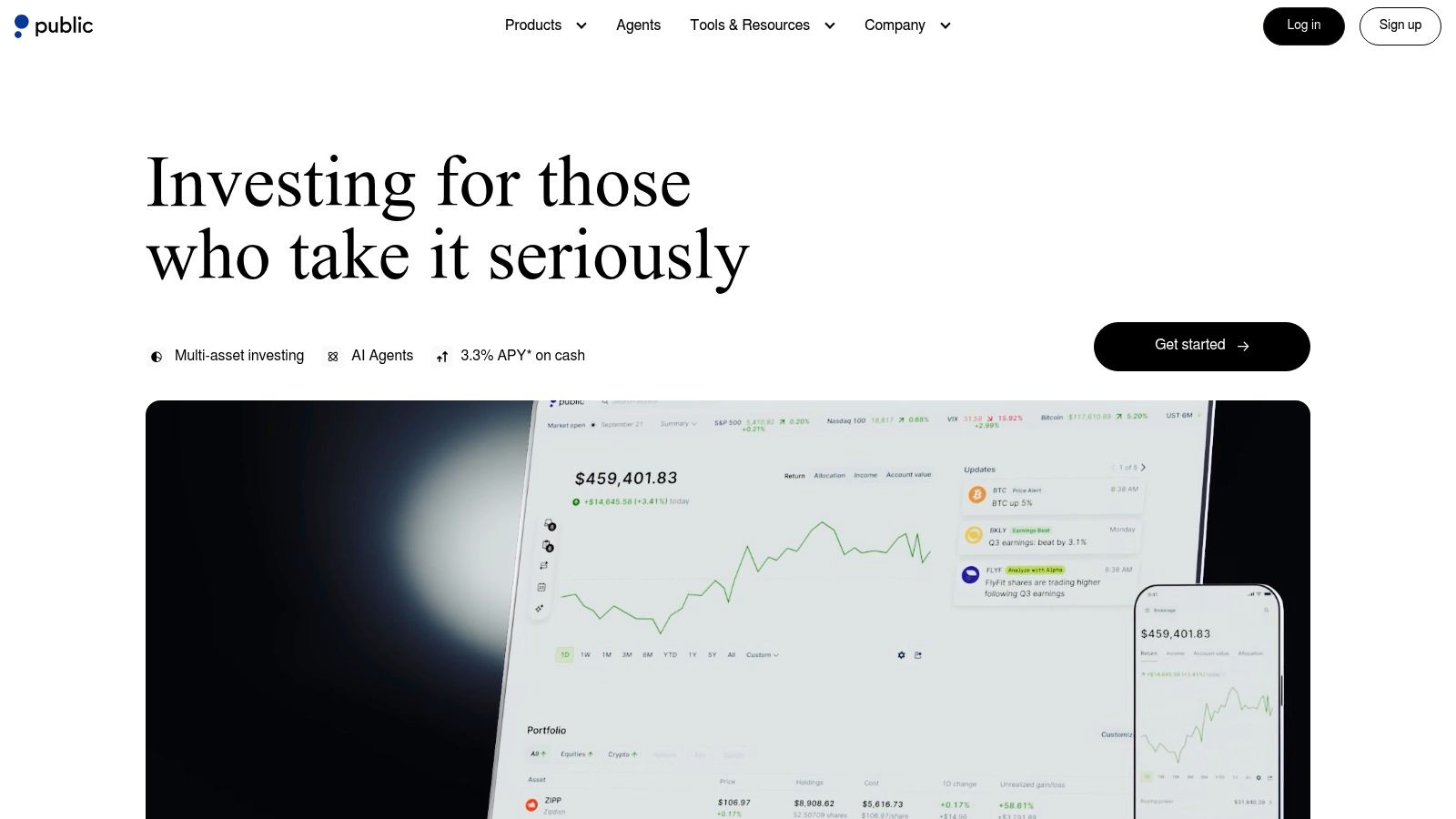
Now we're shifting into a different category. Public.com isn't a “free money” app. It's an investing app that can help users buy U.S. Treasuries and bond products in a simpler, more app-friendly way. You can explore it on Public.com.
Some women over 50 aren't interested in another rewards app; they desire a low-maintenance place to put actual savings, allowing the money itself to work.
Why this is more serious than reward apps
Treasury and bond income can be more aligned with peace of mind than app-based micro-rewards, but only if you already have capital to invest. This is not zero-cost income. It's interest or yield generated from money you put to work.
Public also highlights that Treasury interest is exempt from state and local income tax, which can matter for some U.S. investors. If you're comparing ways to hold short-term government debt, this overview can help you understand T-Bill ETFs for 2026.
A broader market point helps explain why apps like this matter. The global personal finance mobile app market is projected to reach US$53.6 billion by 2033 with an 18.2% CAGR. That projection suggests many consumers are becoming more comfortable managing money through mobile tools.
Reality check
This is more “passive income from invested assets” than “passive income app” in the casual sense. It's worth considering if you have savings and want lower-maintenance options, but it does involve investment risk, changing yields, and securities that aren't FDIC-insured.
10. Fundrise
If rewards apps feel too small to matter, Fundrise may feel easier to take seriously. It sits in the "investing for passive income" category of this list, where your money does the work after setup instead of your phone earning pennies in the background. You can review the platform at Fundrise.
For beginners over 50, it helps to sort this one correctly. Fundrise is closer to a slow-growing garden than a coin jar on the counter. You put in real money, give it time, and hope for income distributions and long-term growth from private real estate holdings.
Why it can feel more hands-off
Fundrise offers features like auto-invest and dividend reinvestment. Once those are set, the day-to-day effort is low. That makes it a better fit for women who want a quieter system they can check occasionally, not another app asking for constant attention.
The fee structure also deserves a plain-English look. Fundrise describes its costs as about 0.85% management plus 0.15% advisory, or roughly 1.0% total. Fees do not automatically make an investment bad. They are part of the cost of using the platform, and beginners should read them the same way they would read the label on a medication bottle before taking it.
If the idea of earning from assets instead of only from your time appeals to you, this guide to passive income with Amazon can broaden the picture. If real estate is the part that interests you most, you can also own a slice of U.S. properties through this type of model.
Reality check
This is low-effort after setup, but it is not "set and forget" in the same way as a passive research app. Your money is invested, which means the value can rise or fall. Liquidity may be limited, distributions are not guaranteed, and you should be comfortable leaving the money in place for a while.
A simple expectation helps here. Fundrise belongs in the "low-effort, higher-commitment" bucket, not the "easy cash" bucket. If you want a calmer app-based way to invest for income over time, it may be worth a look. If you need quick access to your money, it may not be the right fit.
Top 10 Passive Income Apps Comparison
| Item | Core model & features ✨ | Quality & experience ★ | Value & cost 💰 | Best for 👥 | Standout / Risks 🏆 |
|---|---|---|---|---|---|
| Honeygain | Background bandwidth-sharing; multi‑OS; multi‑device | ★★★☆☆ passive, easy UX | 💰 Very low earnings; PayPal/crypto; min payout noted | 👥 Want set‑and‑forget tiny passive income | 🏆 Truly set‑and‑forget; Risk: proxy use & demand variance |
| EarnApp (Bright Data) | Time‑based bandwidth sharing; Linux/RPi support; auto‑redeem | ★★★☆☆ backed by Bright Data; clear docs | 💰 Low region-dependent pay; multiple payout methods | 👥 Tech-savvy owners of always‑on devices | 🏆 Transparent docs; Risk: privacy/ISP & fluctuating demand |
| Pawns.app | Bandwidth + optional microtasks; $5 withdraw | ★★★☆☆ hybrid passive + active | 💰 Faster cashout via tasks; fees vary by method | 👥 Users wanting quick small payouts & microtasks | 🏆 $5 cashout & task top-ups; Risk: tasks require effort; proxy link |
| PacketStream | Per‑GB residential proxy; lightweight background app | ★★★☆☆ simple UX; published $/GB | 💰 Published $/GB (low); ~$5 min withdrawal | 👥 Prefer transparent per‑GB pay models | 🏆 Clear pricing; Risk: low demand & limited support |
| Nielsen Computer & Mobile Panel | Passive metering for market research; background app | ★★★★☆ reputable firm; low effort | 💰 Rewards vary by program; eligibility rules apply | 👥 Privacy-tolerant users wanting legit research rewards | 🏆 Trusted pedigree; Risk: changing rewards & telemetry sharing |
| MobileXpression | Mobile VPN/meter; points ➜ gift cards | ★★★☆☆ passive but mixed reviews | 💰 Points for gift cards; may include bonuses | 👥 Mobile users comfortable with VPN metering | 🏆 Easy passive points; Risk: account locks & redemption issues |
| SavvyConnect (SurveySavvy) | Multi‑device passive metering + occasional surveys | ★★★☆☆ low‑effort; support resources | 💰 Small income; occasional sweepstakes or rewards | 👥 Want passive research rewards + occasional surveys | 🏆 Clear install/support; Risk: low earnings & eligibility limits |
| Mode Earn App | Multiple micro‑earning channels; optional paid Earn Club | ★★☆☆☆ tiny payouts; some account issues reported | 💰 Low earnings; paid membership to accelerate | 👥 Users mixing passive and active microtasks | 🏆 Multiple channels; Risk: slow redemptions & changing rules |
| Public.com Treasury / Bond Accounts | Buy T‑bills & bond baskets; auto‑roll & yield tracking | ★★★★☆ simplified investing UX | 💰 Requires capital; yields vary; state/local tax‑exempt | 👥 Investors seeking low‑maintenance interest income | 🏆 Easy Treasury access; Risk: rate variability & capital at risk |
| Fundrise | Private real‑estate funds (eREITs/interval funds); DRIP & auto‑invest | ★★★☆☆ hands‑off property exposure | 💰 Fees ≈1% total; dividends possible; capital required | 👥 Investors seeking passive real‑estate income | 🏆 Property exposure without landlord duties; Risk: fees, illiquidity, capital risk |
Your Next Gentle Step Toward Peace of Mind
You open your tablet after dinner, glance at this list again, and feel that familiar wave of, “I do not know where to start.” That feeling makes sense. Ten options can blur together fast, especially when some are almost effortless and others ask you to put real money to work.
A simpler way to choose is to sort these apps into two buckets.
The first bucket is set and forget. These are apps that run in the background, often by sharing unused bandwidth or anonymous device data. They are usually easier for beginners, and they do not require savings to begin. The tradeoff is simple too. Earnings are usually small.
The second bucket is investing. These apps ask for money up front, but they can be lower effort over time because your money does more of the work. The tradeoff here is risk. Your returns can change, and your cash may not always be easy to pull out right away.
That one distinction helps many beginners over 50 make a calmer choice. If tech feels tiring, start with the lowest-effort option. If tiny payouts would frustrate you, skip the bandwidth and data-sharing apps and focus on the investing side instead.
A reality check helps here. Analysts at GoPractice found that only 0.95% of apps ever exceeded $100K in lifetime revenue, and non-gaming apps were at 0.57%. That does not mean these apps are useless. It means they are usually small tools, not miracle machines. A few extra dollars a month can still help with gas, groceries, or peace of mind, but it is wise to expect modest results.
Privacy matters too. One overview of passive income apps explains that many rely on shopping behavior, data sharing, or asset rental, which is why a plain-English comparison of what is passive and what carries extra privacy or compliance tradeoffs matters so much (background on privacy and app tradeoffs). If an app wants access that feels too personal, you do not need to talk yourself into it.
Here is a gentle next step for this week. Pick one app only. Visit its website, read what permissions it asks for, check how it pays, and look at the support page. That is enough for one evening.
Small decisions are easier to trust.
When I first started learning about online income, the hardest part was not the technology. It was the noise. Every platform sounded easy, every dashboard looked busy, and every promise felt shinier than it should have. Progress got easier when I made the task smaller. One tool. One cup of tea. One note in a notebook about whether it felt clear or confusing.
These apps can add a small stream of income. Over time, though, larger income usually comes from building something you own, such as an email list or a simple content platform, rather than relying only on third-party apps. If you want a beginner-friendly example of that path, Victoria OHare offers training focused on long-term online income strategies for women who want clarity without tech overwhelm.
Five years from now, you will be glad you started with one calm, informed choice instead of chasing every shiny option at once.